Even with the best intentions, website maintenance often gets pushed aside during busy periods. Studies like https://pmc.ncbi.nlm.nih.gov/articles/PMC3610582/ shows that the maintenance cost of a website/product is the largest cost. That’s why having a clear maintenance plan, good guidelines, and reliable systems in place is essential.
Without a plan, it’s easy to forget critical tasks like updating plugins, checking backups, or reviewing content for accuracy. Over time, these small oversights can snowball into major issues: security vulnerabilities, broken functionality, or outdated information that confuses visitors.
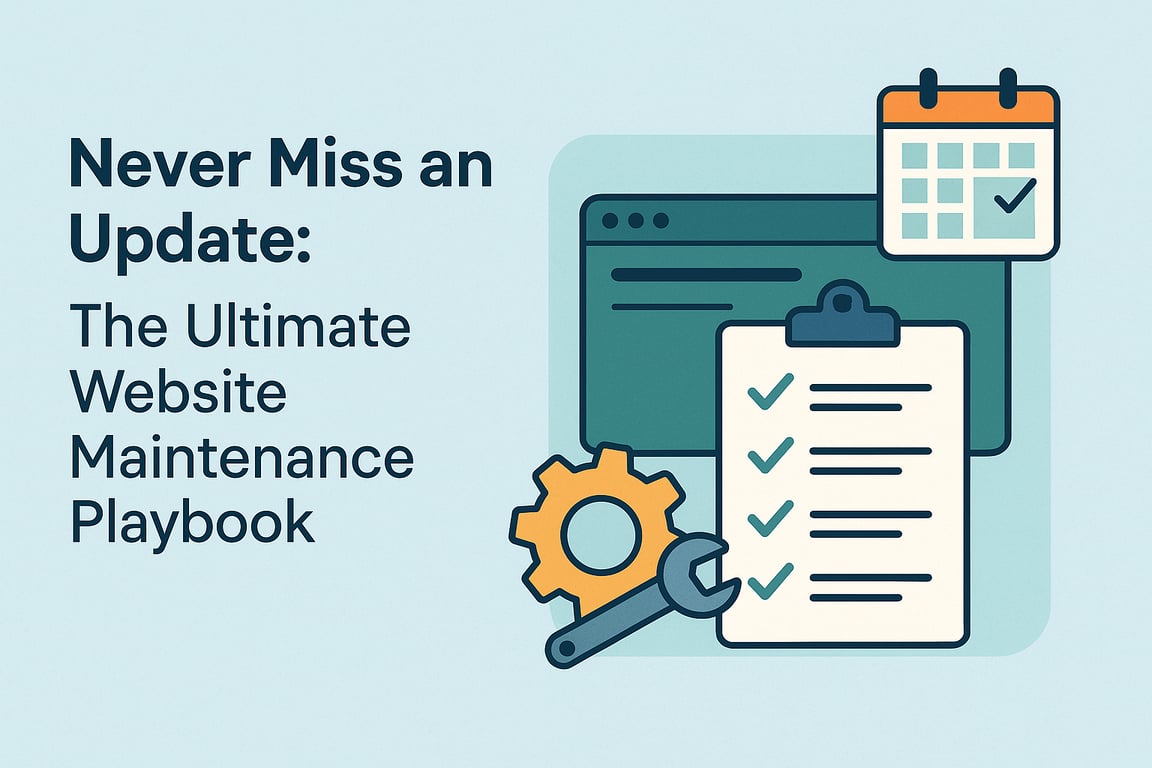
A solid maintenance system helps you:
Stay Consistent: Scheduled tasks ensure you never miss important updates.
Reduce Risk: Regular security, performance, and content checks catch problems early.
Save Time: A structured process is more efficient than sporadic, last-minute fixes.
Stay Proactive: Instead of reacting to problems, you prevent them before they happen.
Get NordVPN - the best VPN service for a safer and faster internet experience. Get up to 77% off + 3 extra months with a 2-year plan! Take your online security to the next level

This is an affiliate link. I may earn a commission when you click on it and make a purchase at no extra cost to you.
Pro tip:
Find a tool/product that gives you a good overview over what needs to be done, and when. Preferably a system where you can schedule recurring tasks, add documents/documentation and cooperate with your colleagues.
Create a simple checklist or calendar that outlines daily, weekly, monthly, and quarterly maintenance tasks. Remember to add alerts or notifications and keep the schedule. Automate what you can: tasks like backups and monitoring. Use a CI/CD pipeline so that new versions of your website can be live momentarily.
While automation can catch a wide range of issues — like outdated dependencies or known vulnerabilities — manual reviews are still essential. Tools like Dependabot, Snyk, or automated tests in your CI/CD pipeline can help you catch low-hanging fruit, but they won’t flag things like a broken layout on iPad Safari, a misaligned CTA, or stale content that no longer reflects your business. Schedule regular hands-on reviews to check how the site looks and feels in the browser, across devices and screen sizes. This is also a good time to review your logs, inspect SEO metadata, test critical user flows, and validate that core functionality behaves as expected from a user’s point of view — not just the system’s. A quick manual sweep every month or quarter can surface subtle, but important issues that automated tools simply won’t catch.
Remember to optimize before automating. A bad process that is automated, is STILL a bad process.
Get NordVPN - the best VPN service for a safer and faster internet experience. Get up to 77% off + 3 extra months with a 2-year plan! Take your online security to the next level
This is an affiliate link. I may earn a commission when you click on it and make a purchase at no extra cost to you.
🔧 Pro Tip 1: Integrate Dependency Scanning into Your GitHub Pipeline
If you host your code on GitHub, you can take advantage of GitHub Advanced Security or use free open-source tools to automatically check for vulnerabilities:
Use Dependabot to automatically scan your dependencies for known vulnerabilities and suggest updates.
Enable CodeQL analysis to detect security issues in your code during pull requests. (Extra GitHub charges may apply)
Add OWASP Dependency-Check as part of your build pipeline using custom GitHub Actions. (You should register with NVD to get an Api-key to speed up the process)
🔧 Pro Tip 2: Add Security Scanning to Azure DevOps YAML Pipeline
In Azure DevOps, you can integrate security scanning directly into your YAML pipelines using various extensions or open-source tools:
· Use WhiteSource Bolt, Snyk, or OWASP Dependency-Check via pipeline tasks.
· For containerized apps, integrate Microsoft Defender for DevOps to scan container images and infrastructure code.
🔧 Pro Tip 3: Check vulnerabilities
It is difficult to keep track of known vulnerabilities in packages, so use a tool that scans your repos and compares the packages and reports them to you.
· My tip here is the ‘dotnet list package –vulnerable’ command. Simple, but effective.
🔧 Pro Tip 4: Update nuget packages
Most projects use a ton of nuget packages, and keeping track of outdated ones is a time-consuming task.
· Use a tool to do this. My favorite is: dotnet-outdated-tool (https://www.nuget.org/packages/dotnet-outdated-tool).
Get NordVPN - the best VPN service for a safer and faster internet experience. Get up to 77% off + 3 extra months with a 2-year plan! Take your online security to the next level

This is an affiliate link. I may earn a commission when you click on it and make a purchase at no extra cost to you.
Why these tips matter
By integrating and automating scans you reduce the time it takes to discover mistakes and vulnerabilities. And by automating the deployment process you cut down the time it takes to release a fix. Automation also reduces the human factor – you won’t forget. This again can save you from a costly mistake down the line.
Using tools like dotnet-outdated-tool also cuts down the development time, no need to go to nuget.org and find the correct version of a package (unless there is some reason to do so).
Get NordVPN - the best VPN service for a safer and faster internet experience. Get up to 77% off + 3 extra months with a 2-year plan! Take your online security to the next level
This is an affiliate link. I may earn a commission when you click on it and make a purchase at no extra cost to you.